If you want to humanize AI text responsibly, it helps to understand what detectors are actually measuring.
Most AI detectors do not “know” whether a human typed a sentence. They estimate how likely a passage is under patterns common in large language models. When those patterns stack up — uniform sentence length, high predictability, repetitive transitions, generic abstractions — the score rises. When writing looks messier in a human way — varied pacing, specific details, idiosyncratic phrasing — the score usually falls.
Two ideas show up again and again in detector discussions: perplexity and burstiness. Perplexity is a rough measure of how surprising the next word is. Models trained to predict language often produce low-surprise sequences. Burstiness describes variation across sentences and paragraphs. Human writers tend to mix short punches with longer explanations. Many AI drafts stay in a narrow middle band: every sentence about the same length, every paragraph equally “balanced,” every claim equally hedged.
Signals that make AI writing easy to spot
- Template transitions — “Moreover,” “Additionally,” “In today’s world,” and similar glue phrases appear more often than in careful human drafts.
- Symmetric structure — introductions, three matching body points, and a tidy conclusion that restates the thesis almost word for word.
- Safe abstractions — lots of “important,” “crucial,” “various factors,” and few concrete nouns, numbers, or examples.
- Even hedging — every claim softened the same way (“may,” “can,” “it could be argued”), which reads cautious rather than thoughtful.
- Flat emotional register — tone that never gets sharper, warmer, or more skeptical even when the topic calls for it.
Detectors such as GPTZero, Originality.ai, Turnitin, Copyleaks, Grammarly’s AI features, and Winston AI weight these signals differently. A short marketing blurb may score differently from a long academic essay. A heavily edited AI draft may score differently from a first paste. That is why “guaranteed undetectable” claims are usually marketing, not method.
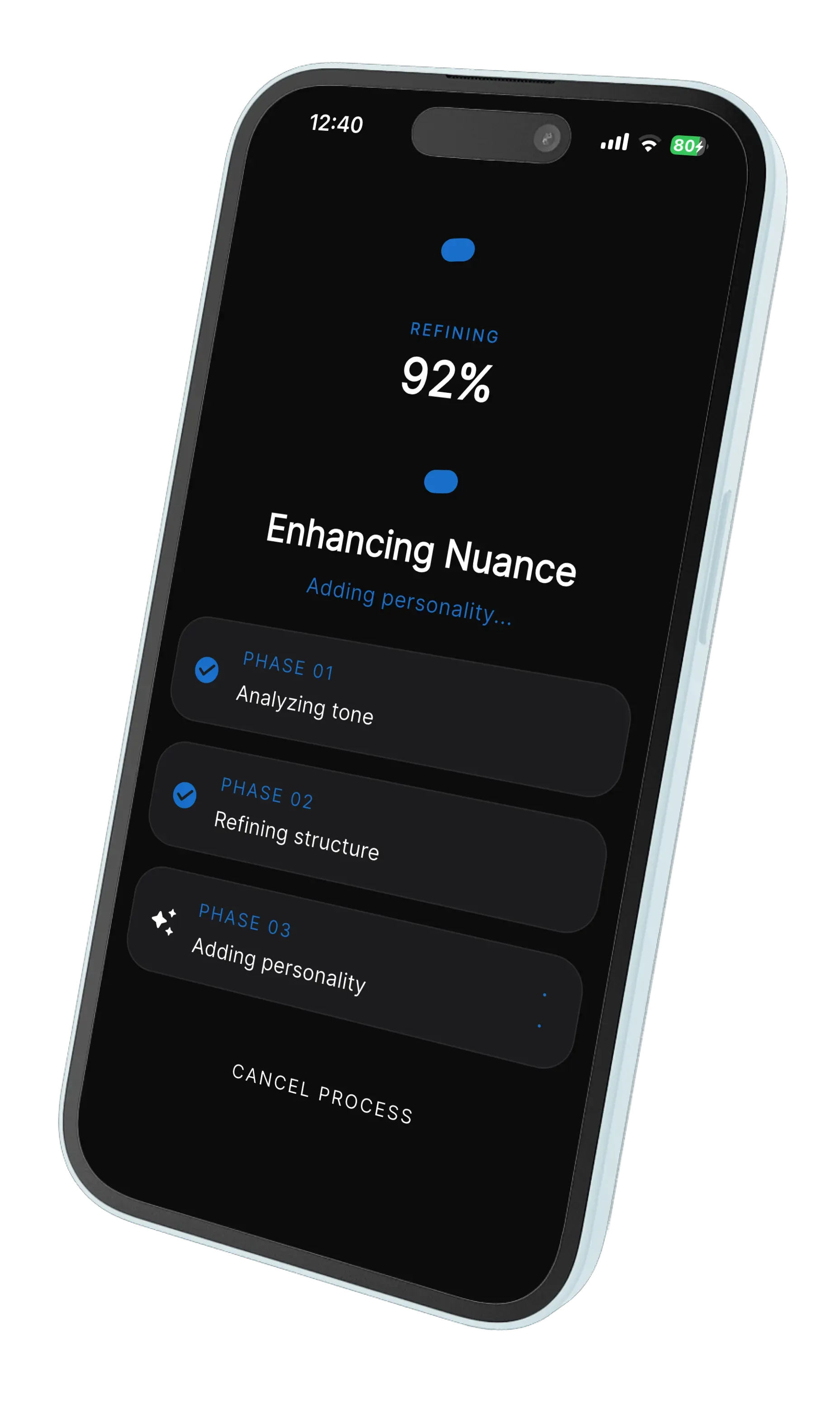
The practical takeaway for anyone searching for an AI humanizer or ChatGPT humanizer: the durable strategy is better writing, not random synonym swaps. Synonym tools often keep the same skeleton and only change the skin. Detectors — and human readers — still see the skeleton. WriteReal focuses on rebuilding cadence and phrasing while keeping your meaning, which is the same work a strong editor would do after generating a first draft with AI.
Important context: policies matter more than scores. Schools, publishers, and employers set their own rules about AI assistance. Humanizing text does not replace citation requirements, disclosure rules, or academic integrity policies. Use WriteReal to improve clarity and naturalness within the rules that apply to you.
 WriteReal